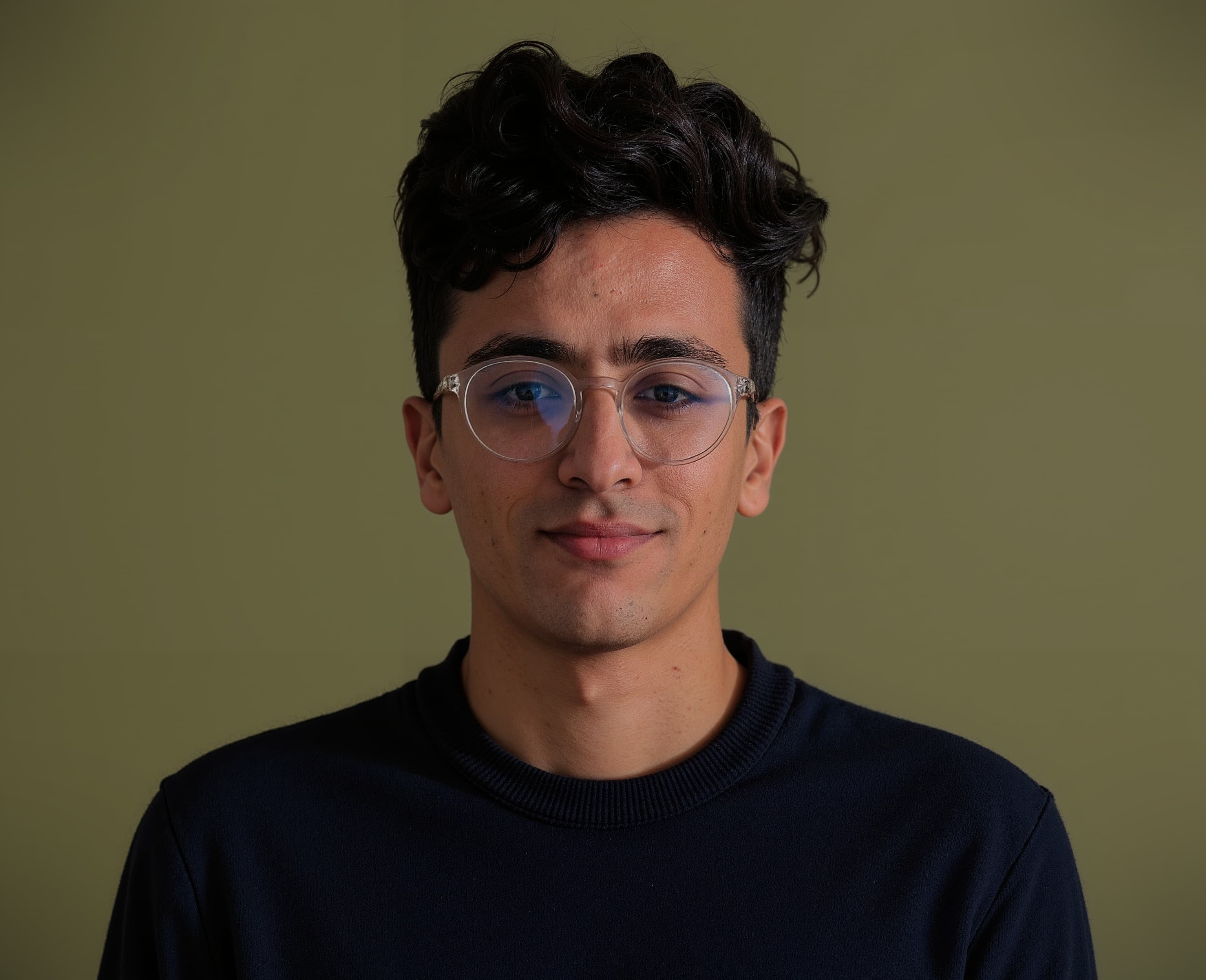
 Aymen Chikeb
What sits on my desk
12-core CPU / 18-core GPU, 36 GB unified memory. Handles Docker, k3d clusters, and a dozen browser tabs without breaking a sweat.
Connected over USB-C. Enough real estate for terminal, editor, and browser side by side.
Hot-swappable, QMK/VIA. Gateron G Pro Reds — quiet enough for calls, tactile enough to feel good.
The electromagnetic scroll wheel alone is worth it. Seamless Bluetooth multi-machine pairing.
Noise cancellation for deep work and remote calls.
PWA testing, 2FA, and the occasional Tailscale check away from the desk.
Where most of the work happens
AI-native fork of VS Code. Tab completion and Agent mode changed how I write and refactor. Never gone back.
Fallback for pair sessions where a non-AI editor is clearer to share.
Warm dark palette, easy on the eyes. Consistent across terminal, editor, and dev tools.
ESLint · Prettier · GitLens · Docker · Kubernetes · YAML — lint on save, less context switching.
The second home
Blocks-based output, built-in AI, and a command palette that kills memorising flags.
Plugins: autosuggestions, syntax-highlighting, git. Aliases save hundreds of keystrokes a day.
Shows git branch, k8s context, runtime versions — only what's relevant to the cwd.
Everything via Brewfile. One brew bundle install bootstraps a fresh Mac.
Persistent sessions that survive SSH drops. One window per project: editor, server, git, logs.
Fuzzy history, fast code search, syntax-highlighted cat — wired into shell keybindings.
Reproducible environment, anywhere
Symlink-based manager. Each tool's config in its own directory inside one git repo.
CLI tools, casks, and extensions tracked. brew bundle restores the full environment.
Keys and tokens in 1Password — no secrets on disk, seamless git and server auth.
Peer-to-peer mesh VPN to the home lab and private services without opening ports.
Typography matters even in a terminal
Ligatures, readable at small sizes. Default in editor and terminal.
Vercel's monospace — clean and minimal when I want a more neutral look.
Humanist sans for UI work. Excellent legibility across sizes.
JetBrains Mono patched for icons in Starship, lsd, and neovim.
Everything else in the stack
Replaced Spotlight. Window management, clipboard, snippets, GitHub/Linear — one shortcut.
Spaces isolate client work, research, and staging. Command Bar beats bookmarks.
Local containers plus k3d for lightweight multi-node Kubernetes clusters.
TUI for pods, logs, describe, and exec — without typing kubectl every time.
Fast native GUI for Postgres, MySQL, Redis — without DBeaver bloat.
Local-first markdown for system design notes, post-mortems, and ADRs.
Quick HTTP checks in Insomnia; version-controlled collections in Bruno.
Keyboard-driven issue tracker. Cycles map cleanly to how I think about milestones.
This page is a living document. If something's changed since you last visited, it probably means I found something better.